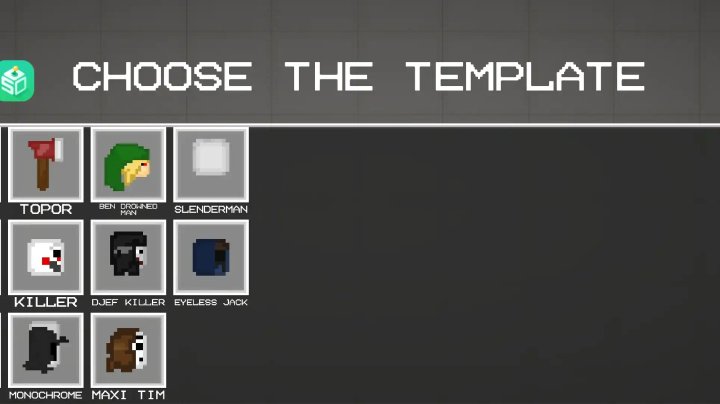
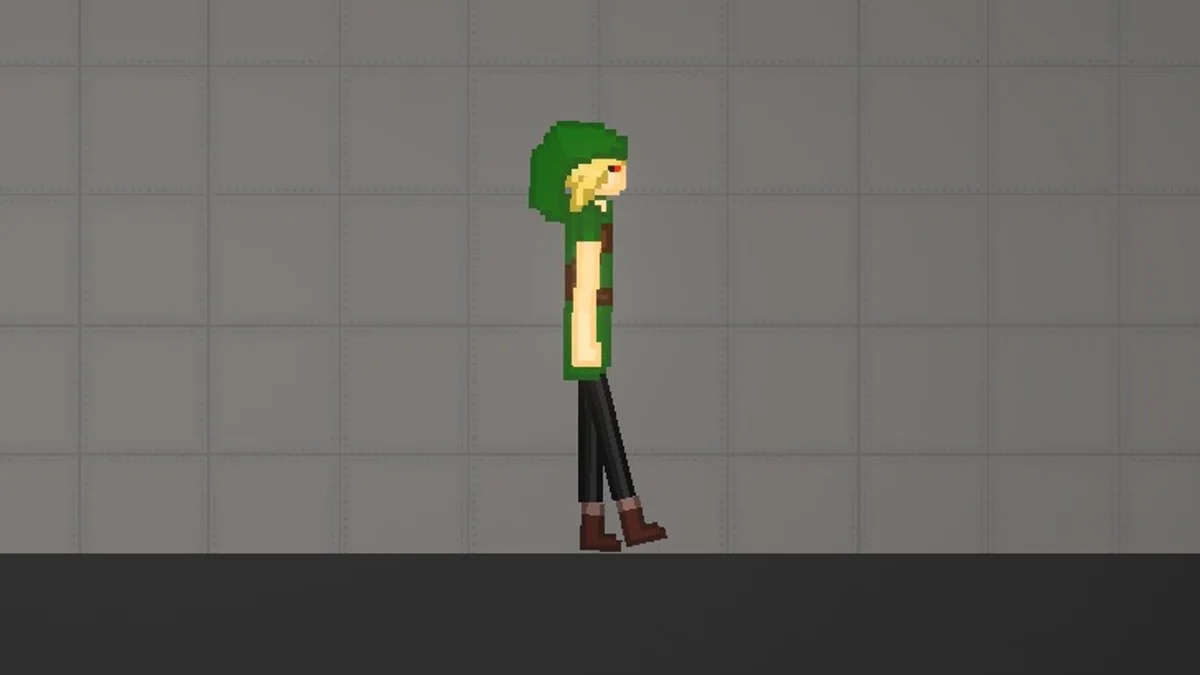
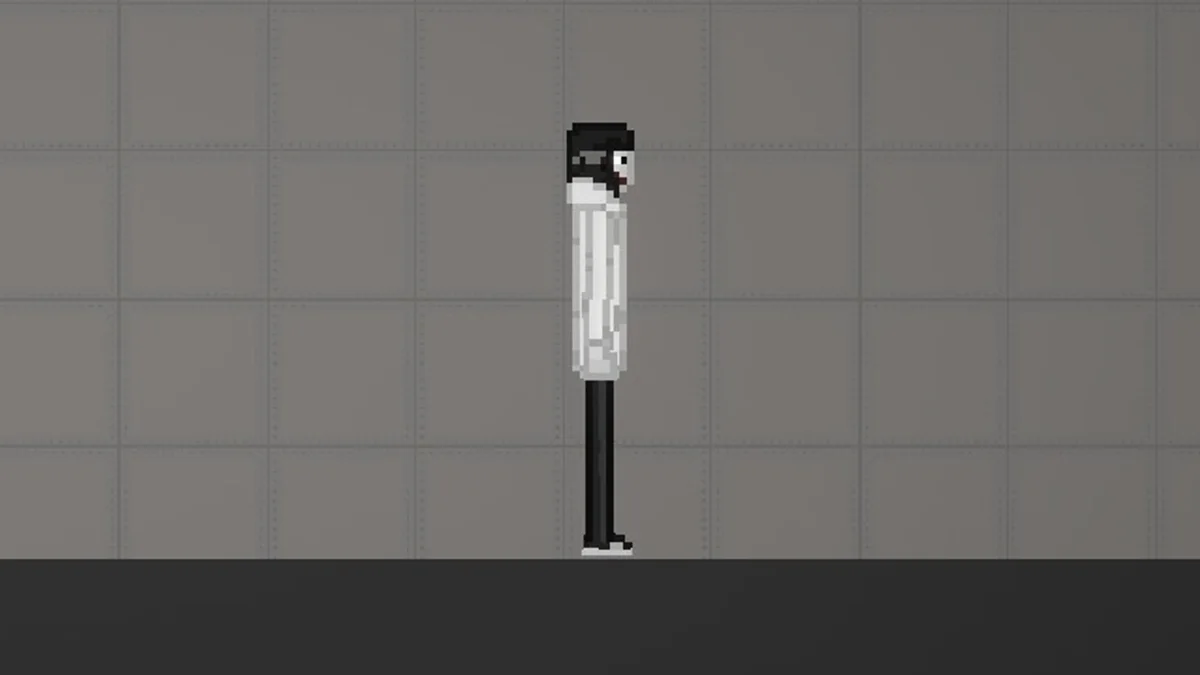
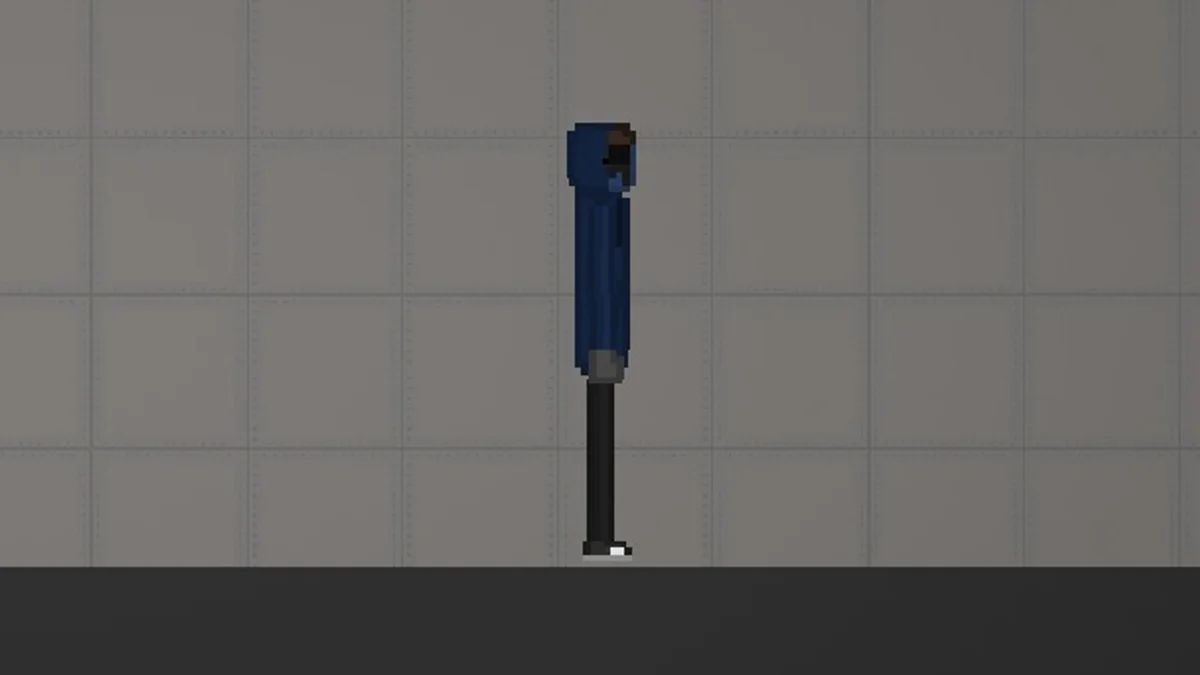
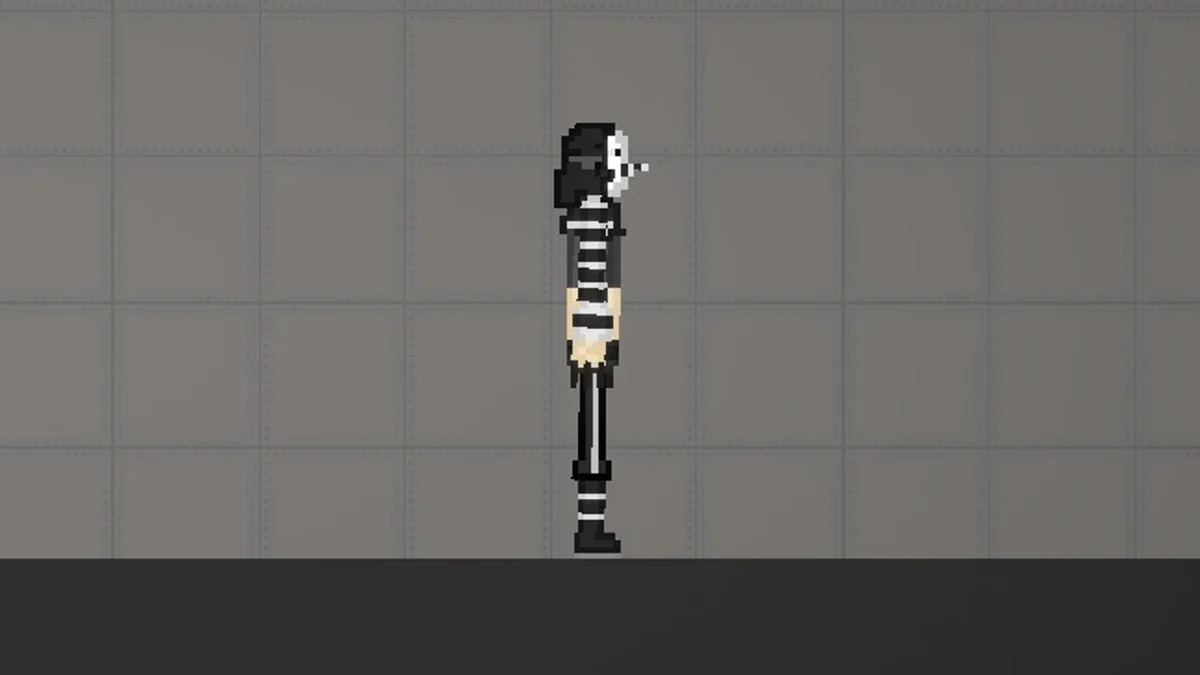
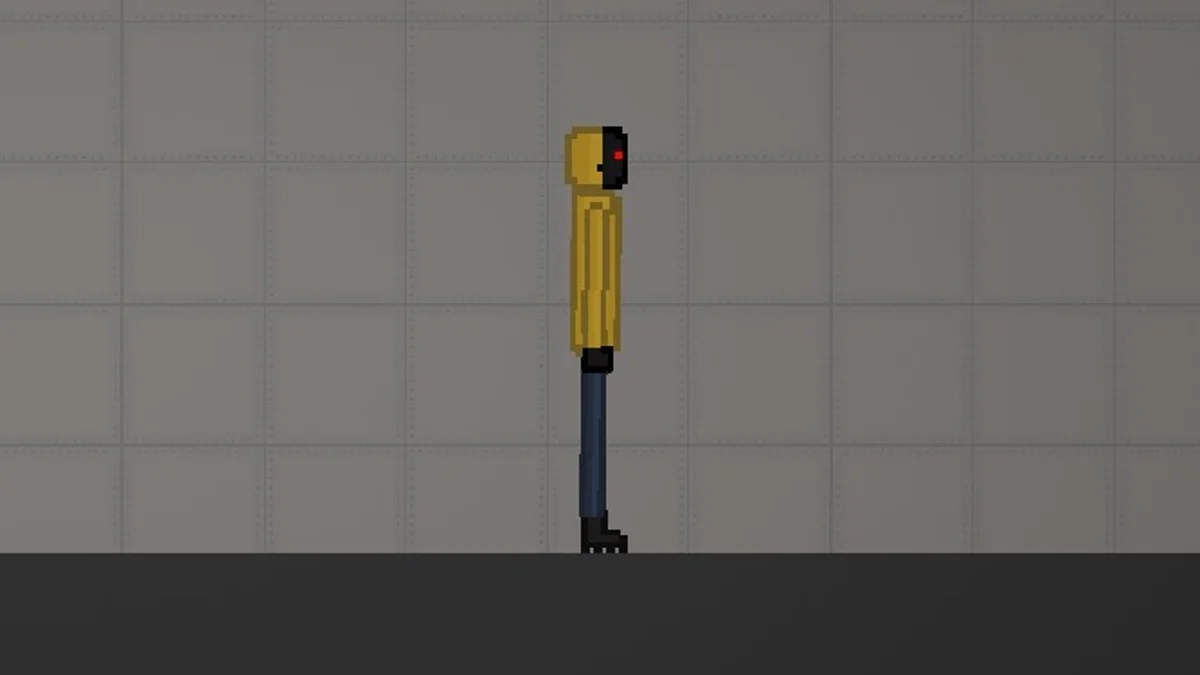
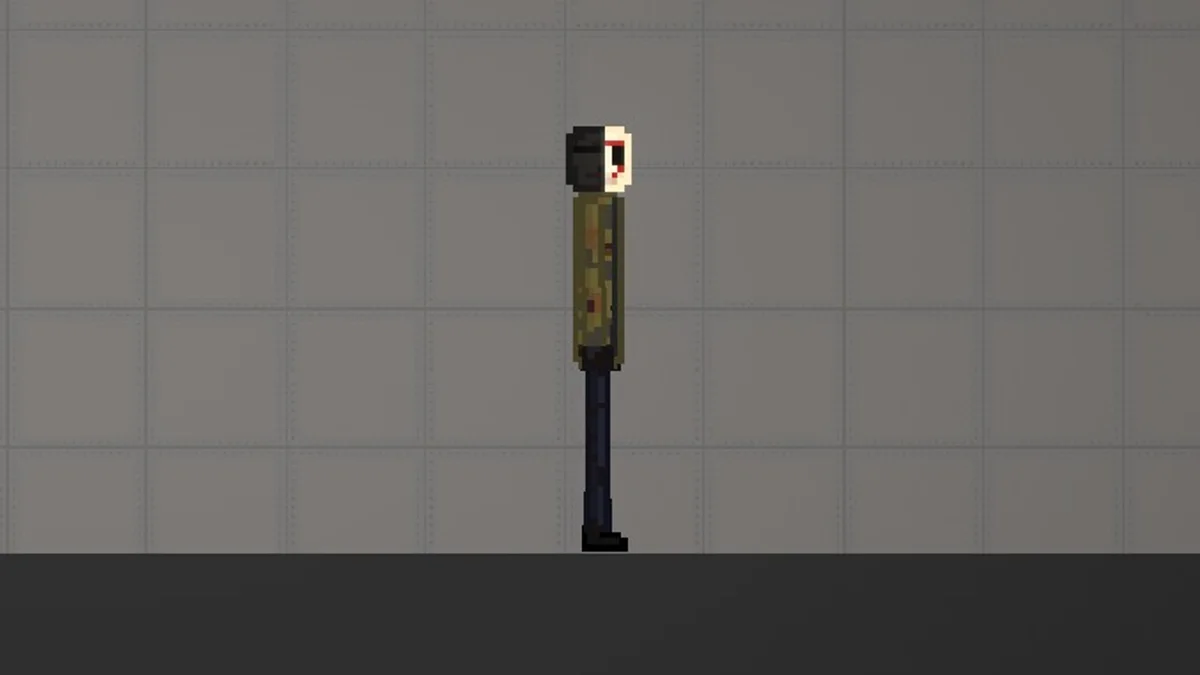
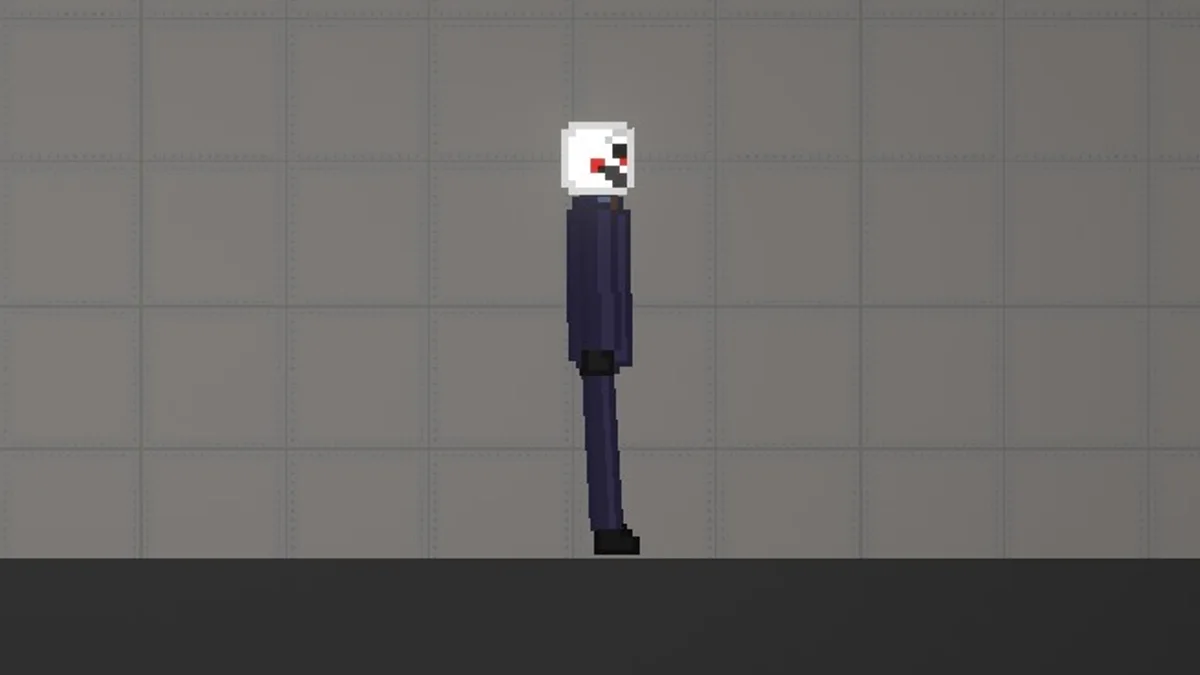
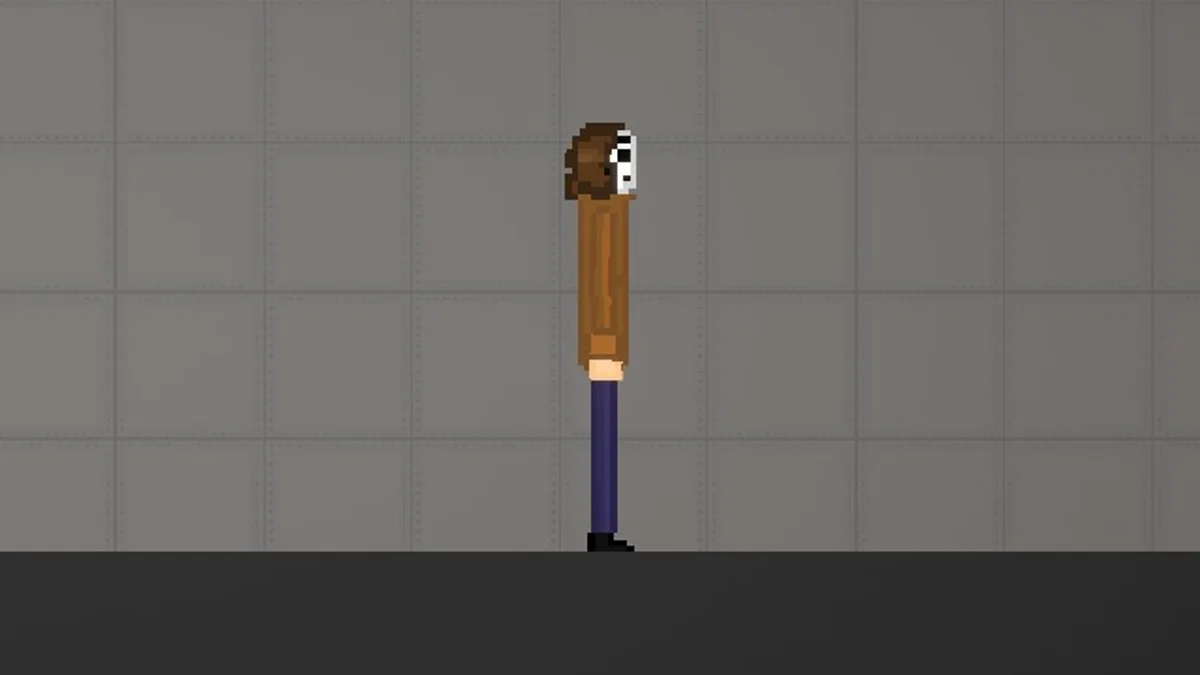
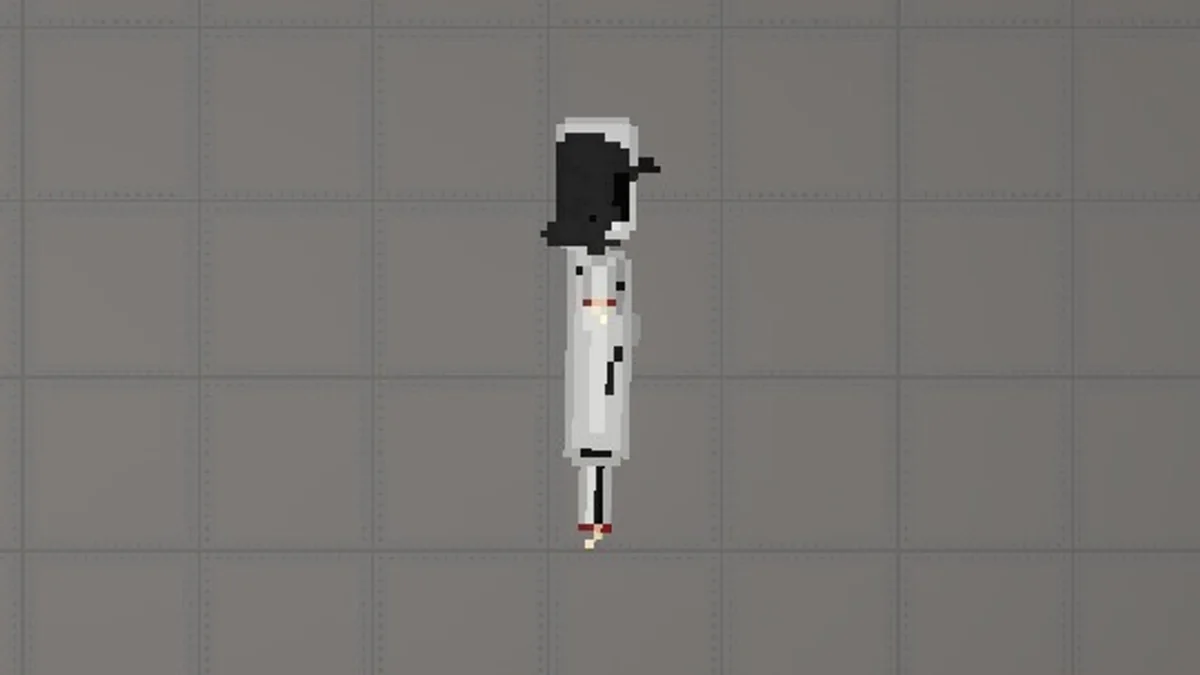
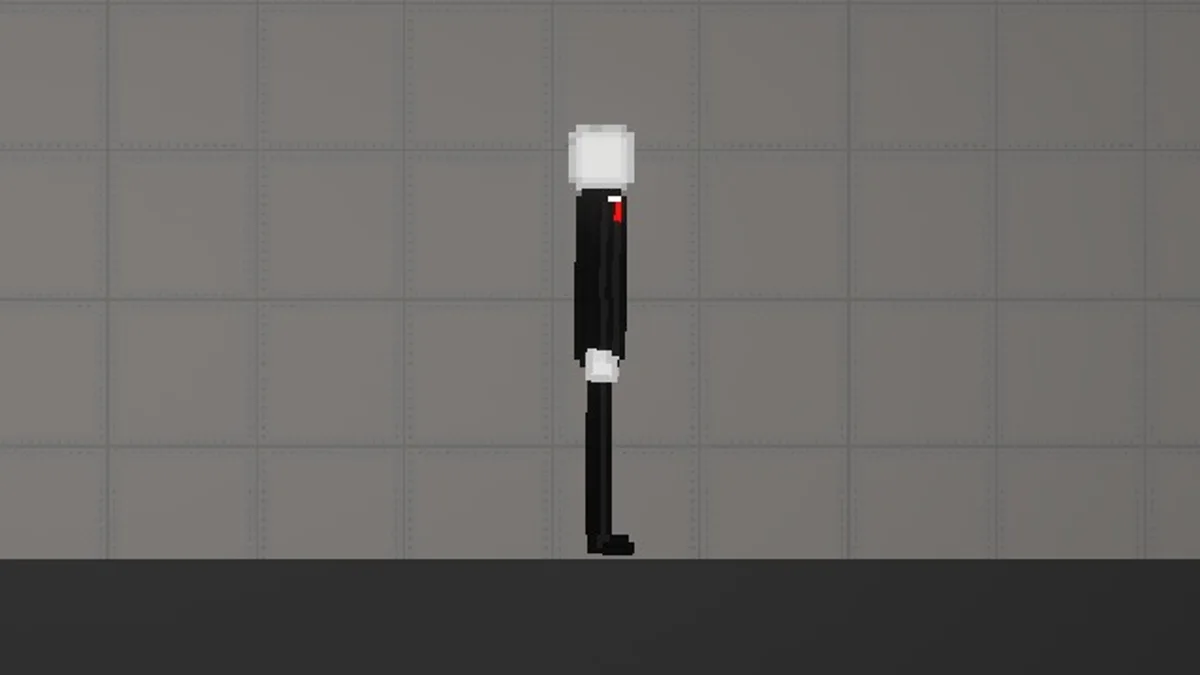
11 × .melmod files
Recorded filenames: ben drowned man, djef killer, eyeless jack, happy djek, hudi, jason voorhees, killer, maxi tim, monochrome, slenderman, topor. Each file’s size and fingerprint were recorded during the audit.
Added: July 2, 2026 Updated: August 7, 2026
Creepypasta(Ronussss) is a community Melon Sandbox download credited to melonmods. Its file inventory was checked on 5 August 2026. The current listing contains 11 files totaling 203 KB.
Every description below comes from parsing the downloaded files on 5 August 2026.
.melmod filesRecorded filenames: ben drowned man, djef killer, eyeless jack, happy djek, hudi, jason voorhees, killer, maxi tim, monochrome, slenderman, topor. Each file’s size and fingerprint were recorded during the audit.
Recorded technical details for Creepypasta(Ronussss) from the 5 August 2026 inspection.
| File | Extension | Size | Detected data | SHA-256 prefix |
|---|---|---|---|---|
| ben drowned man | .melmod |
21 KB | Structured JSON game data | 851e1b05cfcb |
| djef killer | .melmod |
20 KB | Structured JSON game data | 26bfb7d6b982 |
| eyeless jack | .melmod |
19 KB | Structured JSON game data | 6a49cfa71860 |
| happy djek | .melmod |
21 KB | Structured JSON game data | 2990befd3e40 |
| hudi | .melmod |
19 KB | Structured JSON game data | 9eb8feb218fd |
| jason voorhees | .melmod |
21 KB | Structured JSON game data | c5d38b920dff |
| killer | .melmod |
20 KB | Structured JSON game data | 6a2ced7cae1e |
| maxi tim | .melmod |
20 KB | Structured JSON game data | 13a32c2bc7ec |
| monochrome | .melmod |
19 KB | Structured JSON game data | cac87665984b |
| slenderman | .melmod |
20 KB | Structured JSON game data | d14a4be4cd68 |
| topor | .melmod |
2.3 KB | Structured JSON game data | e43b5aa18c61 |
A SHA-256 fingerprint identifies a specific file, so you can confirm the download you receive matches the one inspected here.
.melmod identifiedCompatibility can vary with your game version and device. Keep the original filenames and test community files individually.